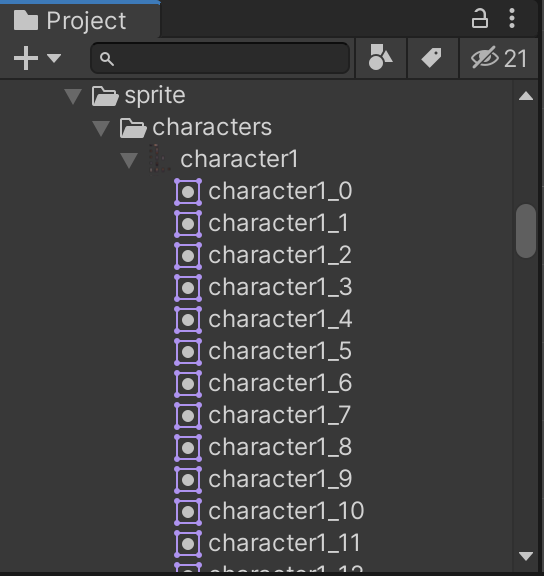
Update and Slice all your Sprite Assets at once with InternalSpriteUtility.GenerateGridSpriteRectangles and AssetDatabase.ImportAsset in Unity3D!

🐍👑🌍
Prerequisites
Prerequirements:
- Sprites are located in
Assets/Resources/myfolder - Create a Script in
Assets/Scripts/UnityTools.cs
Docs:
- Unity Asset & Resource Learn Tutorial https://learn.unity.com/tutorial/assets-resources-and-assetbundles/
- TextureImporter https://docs.unity3d.com/ScriptReference/TextureImporter.html
- SpriteMetaData https://docs.unity3d.com/ScriptReference/SpriteMetaData.html
- Resources.LoadAll https://docs.unity3d.com/ScriptReference/Resources.LoadAll.html
Walkthrough
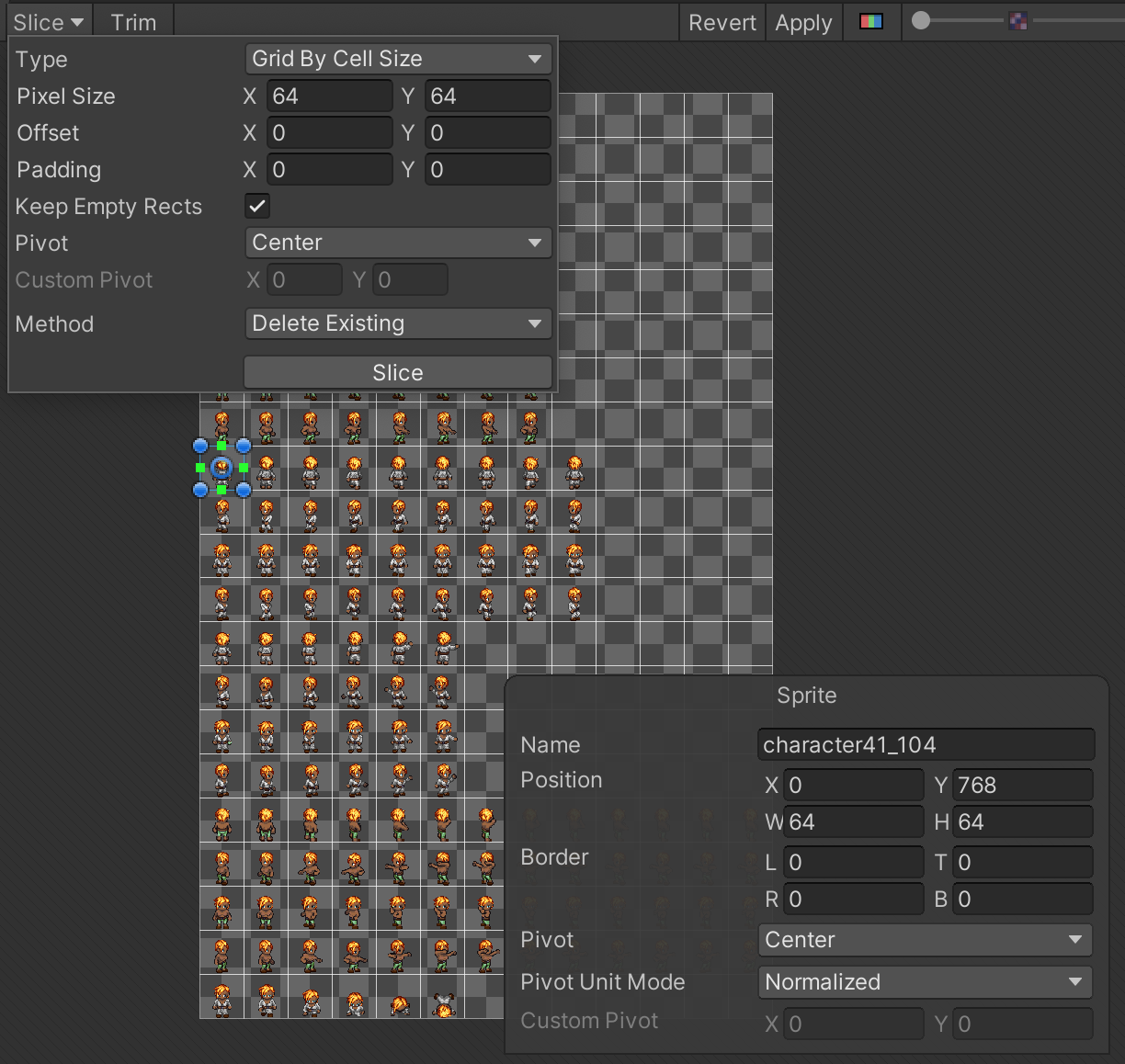
Slice by Cell Size (with empty rects)
Divide Sprites by a given Width+Height:
- name_0x0
- name_0x1
- name_0x2
- […]
- name_1x0
- name_1x1
- […]
Script may be run via Tools > FCO> Compute Sprites.
using UnityEngine;
using UnityEditor;
using System.Collections;
using System.Collections.Generic;
using UnityEditorInternal; // for InternalSpriteUtility
using System.Linq; // for Cast()

public class UnityTools : MonoBehaviour
{
    [MenuItem("Tools/FCO/Compute sprites")]
    static void ComputeSprites()
    {
        Debug.Log("ComputeSprites: start");

        int sliceWidth = 64;
        int sliceHeight = 64;

        string folder = "myfolder";

        Texture2D[] textures = Resources.LoadAll(folder, typeof(Texture2D)).Cast<Texture2D>().ToArray();
        Debug.Log("ComputeSprites: textures.Length: " + textures.Length);

        List<string> allowlist = new List<string>{
            "character15",
            // "character28", // will not be updated by this script
            "character41",
        };

        foreach (Texture2D texture in textures)
        {
            Texture2D texture = resource as Texture2D;
            if (!allowlist.Contains(texture.name))
            {
                continue;
            }
            Debug.Log("ComputeSprites:name: " + texture.name);
            string path = AssetDatabase.GetAssetPath(texture);
            TextureImporter ti = AssetImporter.GetAtPath(path) as TextureImporter;
            ti.isReadable = true;
            //  constants
            ti.textureType = TextureImporterType.Sprite;
            ti.spriteImportMode = SpriteImportMode.Multiple;
            ti.spritePixelsPerUnit = 73;
            ti.filterMode = FilterMode.Point;
            ti.textureCompression = TextureImporterCompression.Uncompressed;

            List<SpriteMetaData> newData = new List<SpriteMetaData>();

            //  https://answers.unity.com/questions/1113025/batch-operation-to-slice-sprites-in-editor.html
            for (int i = 0; i < texture.width; i += sliceWidth)
            {
                for (int j = texture.height; j > 0; j -= sliceHeight)
                {
                    SpriteMetaData smd = new SpriteMetaData();
                    smd.pivot = new Vector2(0.5f, 0.5f);
                    smd.alignment = SpriteAlignment.Center;
                    int rowNum = (texture.height - j) / sliceHeight;
                    int colNum = i / sliceWidth;
                    smd.name = texture.name + "_" + rowNum + "x" + colNum; // "name_1x7" for 2nd row & 8th column
                    smd.rect = new Rect(i, j - sliceHeight, sliceWidth, sliceHeight);

                    newData.Add(smd);
                }
            }

            ti.spritesheet = newData.ToArray();
            AssetDatabase.ImportAsset(path, ImportAssetOptions.ForceUpdate); // this takes time, approx. 3s per Asset
            Debug.Log("ComputeSprites: resource ok");
        }
        Debug.Log("ComputeSprites: done");
    }
}
Going further
Slice by Cell Size (without empty rects)
Divide Sprites by a given Width+Height, ignoring empty Rectangles:
- name_0
- name_1
- name_2
- […]
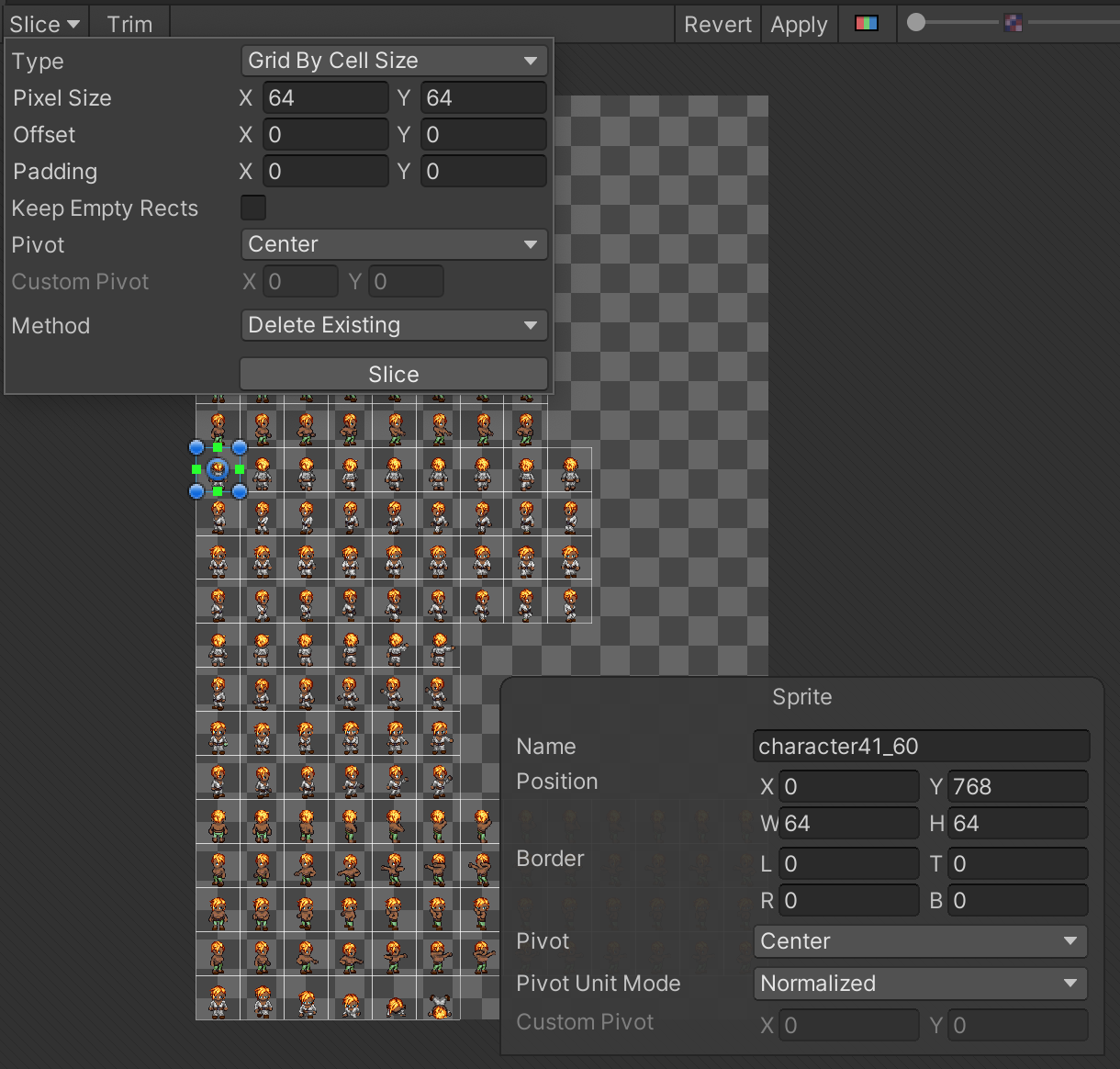
Edit the for loop as follow:
List<SpriteMetaData> newData = new List<SpriteMetaData>();

// https://forum.unity.com/threads/custom-texture-importer-for-automatically-generating-sprites-not-working.1022650/
Rect[] rects = InternalSpriteUtility.GenerateGridSpriteRectangles(
     texture, Vector2.zero, new Vector2(sliceWidth, sliceHeight), Vector2.zero);
for (int i = 0; i < rects.Length; i++)
{
    SpriteMetaData smd = new SpriteMetaData();
    smd.rect = rects[i];
    smd.pivot = new Vector2(0.5f, 0.5f);
    smd.alignment = (int)SpriteAlignment.Center;
    smd.name = texture.name + "_" + i; // name_41
    newData.Add(smd);
}
Finale Sprites structure: