
Your Adobe Campaign instance.
Now on your computer with acc.
Deliveries, schemas, workflows, JavaScript, templates and more: only stored in your instance.
One acc command brings them all on your computer so you can search, compare, back up, and version control.
npm install -g campaign-cli
Currently v1.8.0 (Oct 5, 2026) · Use cases · Live demo · AC v7/v8 · Runs on Windows, macOS, Linux
Who uses acc
Same acc tool across the full Campaign team: Marketers, Administrators, Developers.
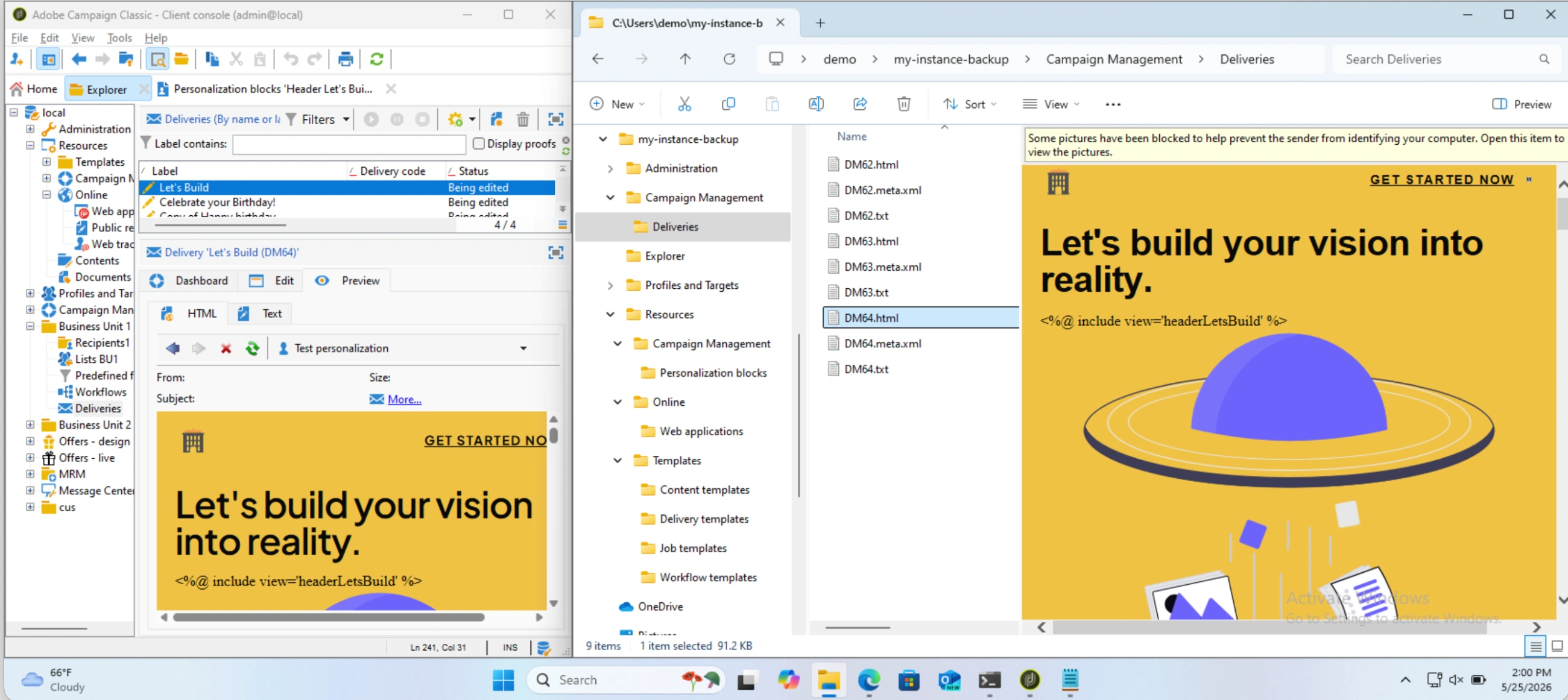
For Marketers
- Search in all Deliveries
- Audit privacy policy in Personnalization Blocks
- Backup all HTML before a Brand revamp
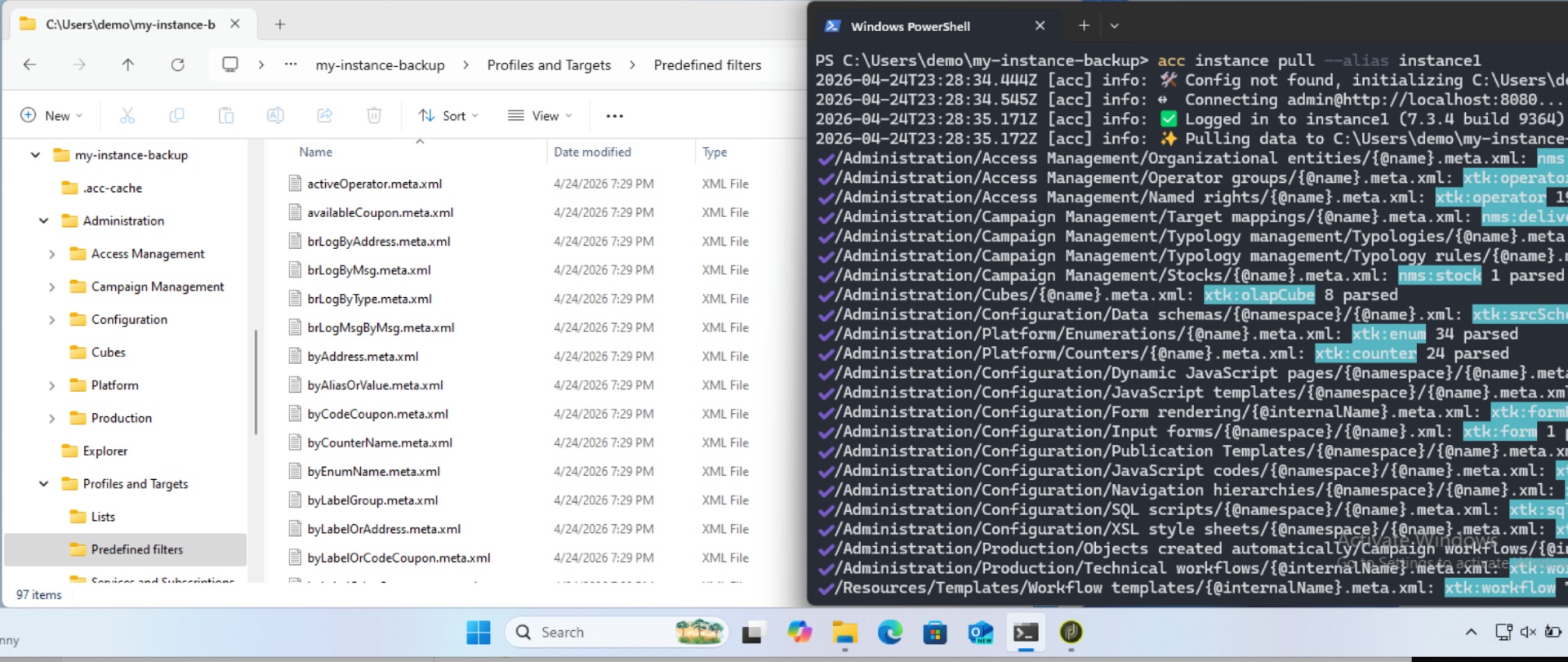
For Administrators
- Use
acc instance pullto - Download Data Schemas before a server upgrade
- Backup Input Forms ahead of major UI changes
- Save Technical and Campaign Workflows
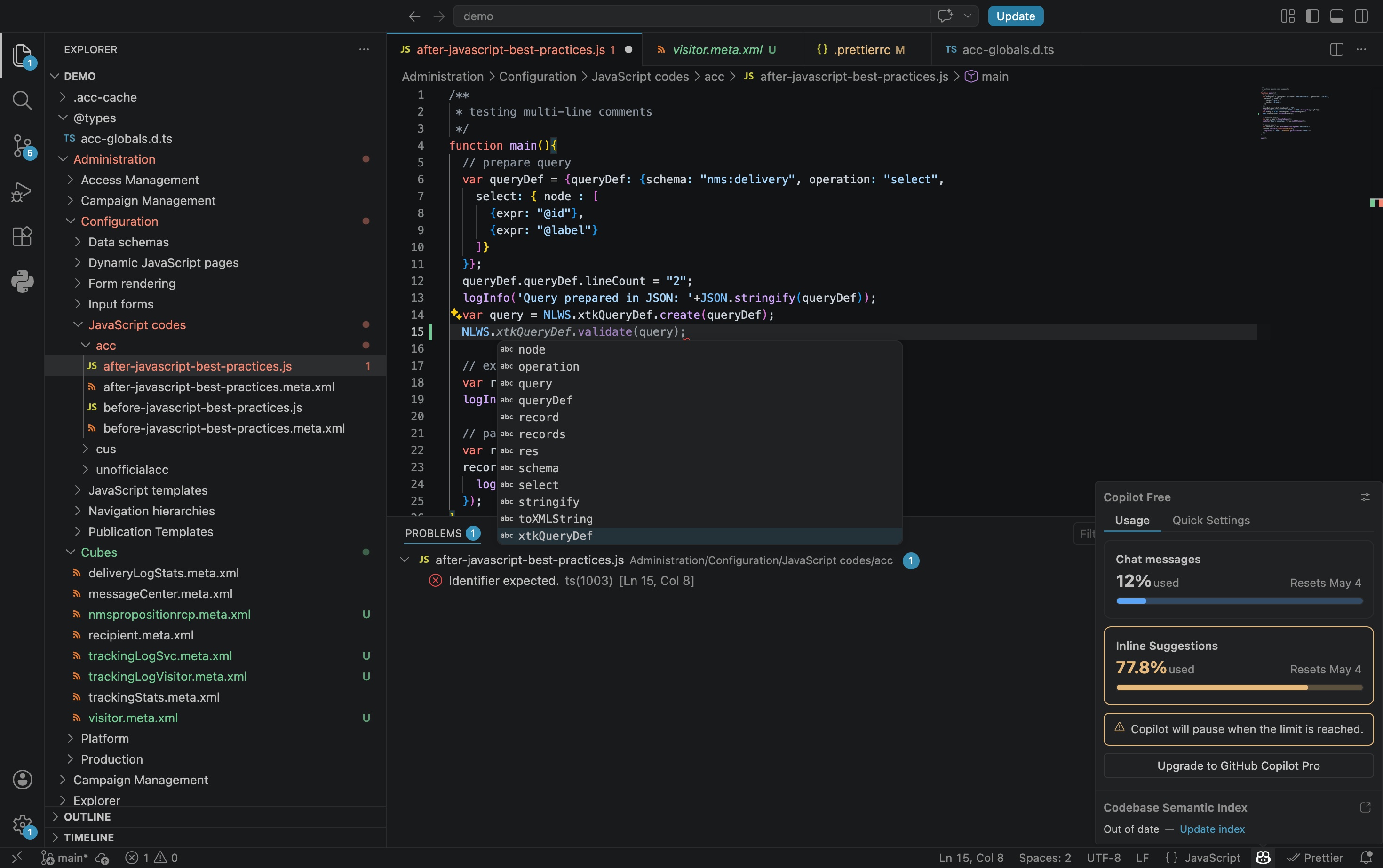
For Developers
- Format JS, HTML, CSS with Prettier
- Control version with Git
- Code with any IDE, i.e. VSCode
- Use AI assistant, i.e. Github Copilot
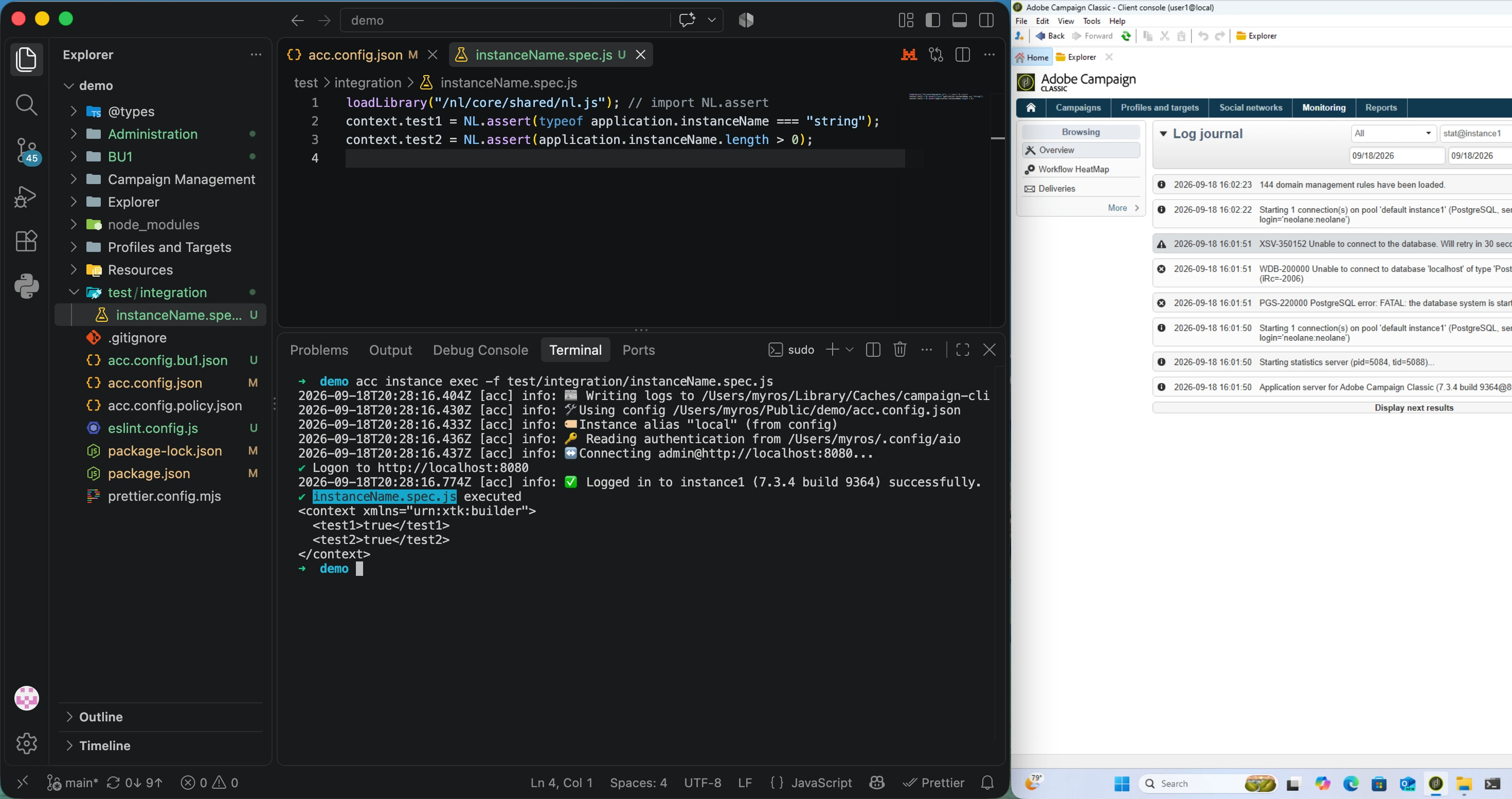
For CI/CD
- Deploy code from VSCode to the instance:
acc instance watch(early access, test it in a sandbox first) - Execute code from VSCode for integration tests:
acc instance exec - Automate CI/CD & monitoring tasks:
acc instance soap
Use cases
Modular by design, each use case works independently. Run them all together when you’re ready.
Find any promo code, URL, or keyword across your entire campaign history - in seconds, without opening the console.
acc instance pull --metadata nms:delivery
When a policy URL changes, find every delivery and personalization block that references it, before the next send!
acc instance pull --metadata nms:includeView
Backup schemas before a change
About to apply a hotfix or migrate v7 to v8? Pull all source schemas first. If a customization breaks, you have the exact state before the change.
acc instance pull --metadata xtk:srcSchema
Run Prettier across all extracted .js and .meta.xml files to enforce consistent style across the team… automatically!
npx prettier --write "**/*.js"
Pull daily, commit to Git. Every schema, workflow, and delivery change becomes traceable, attributed, and reversible.
acc instance pull && git diff
Open the delivery folder in Claude or GitHub Copilot. Review tone, suggest subject line variants, or translate at scale.
acc instance pull --metadata nms:delivery
Live demo
What acc downloads
All objects are available as plain text. Search them in Windows Explorer, Open them in VS Code, commit them to Github.
| In Adobe Campaign | Saved as | Location |
|---|---|---|
| Deliveries & templates |
.html + .txt + .xml
|
Campaign Management/Deliveries/ |
| Personalization blocks |
.html + .txt + .xml
|
Resources/Campaign Management/Personalization blocks/ |
| Typologies & rules |
.js + .xml
|
Administration/Campaign Management/Typology management/ |
| Schemas | .xml |
Administration/Configuration/Data schemas/ |
| Input forms | .xml |
Administration/Configuration/Input forms/ |
| JavaScript libraries, JSSP |
.js + .xml
|
Administration/Configuration/JavaScript codes/ |
| Workflows | .xml |
Administration/Production/Technical workflows/ |
| Options | .xml |
Administration/Platform/Options/ |
| & more, including your custom schemas |
Everything is configurable with acc.config.json.
Customize the location & filter by namespace, date, or folder. To scope exactly what you download, see:
How it fits your workflow
Integrate acc into your development lifecycle:
Built with the tools you use
You already have everything you need. acc runs on the same computer as your Client Console.
Install it in 1 command and connect to your instance through Adobe SDK.
- Built on Adobe’s official
@adobe/acc-js-sdk-> no middleware - Compatible with v7 (User/Password) and v8 (IMS Client Id/Secret or Access Token)
- Same foundations as Adobe
aio: theoclifand Adobe I/O core libraries -> see the architecture - Open source code available on GitHub as
myrosblog/acc-cli - Published on npm as
campaign-cli
Ready?
Get started in 5 minutes: