
Fix the 403 unauthorized errors Let’s Encrypt may encounter when it renews your certificate with a GET request to http://your-site.com/.well-known/acme-challenge/a-long-hash-here.
When nginx is set up as a reverse proxy, a location rule in your nginx.conf authorizes this path.
Preparation
- nginx set up as a reverse proxy in front of your website
Walkthrough
Allow the ACME challenge in nginx.conf
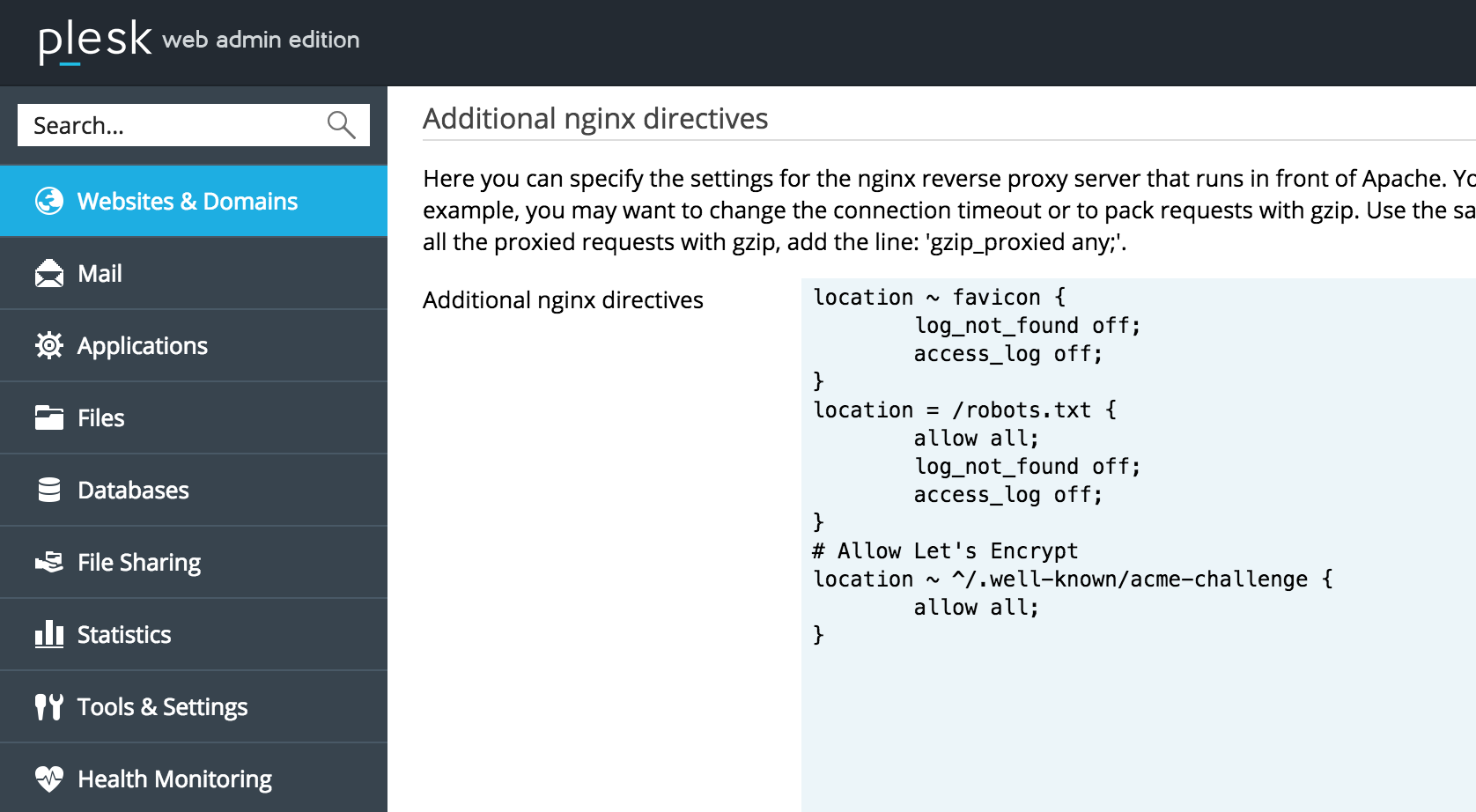
You can add this piece of code in your nginx.conf:
server {
    [...]

    # Allow Let's Encrypt
    location ~ ^/.well-known/acme-challenge {
        allow all;
    }
}-
~means it’s a regex -
^/.well-known/acme-challengeis the beginning of the URL used by Let’s Encrypt
With Plesk
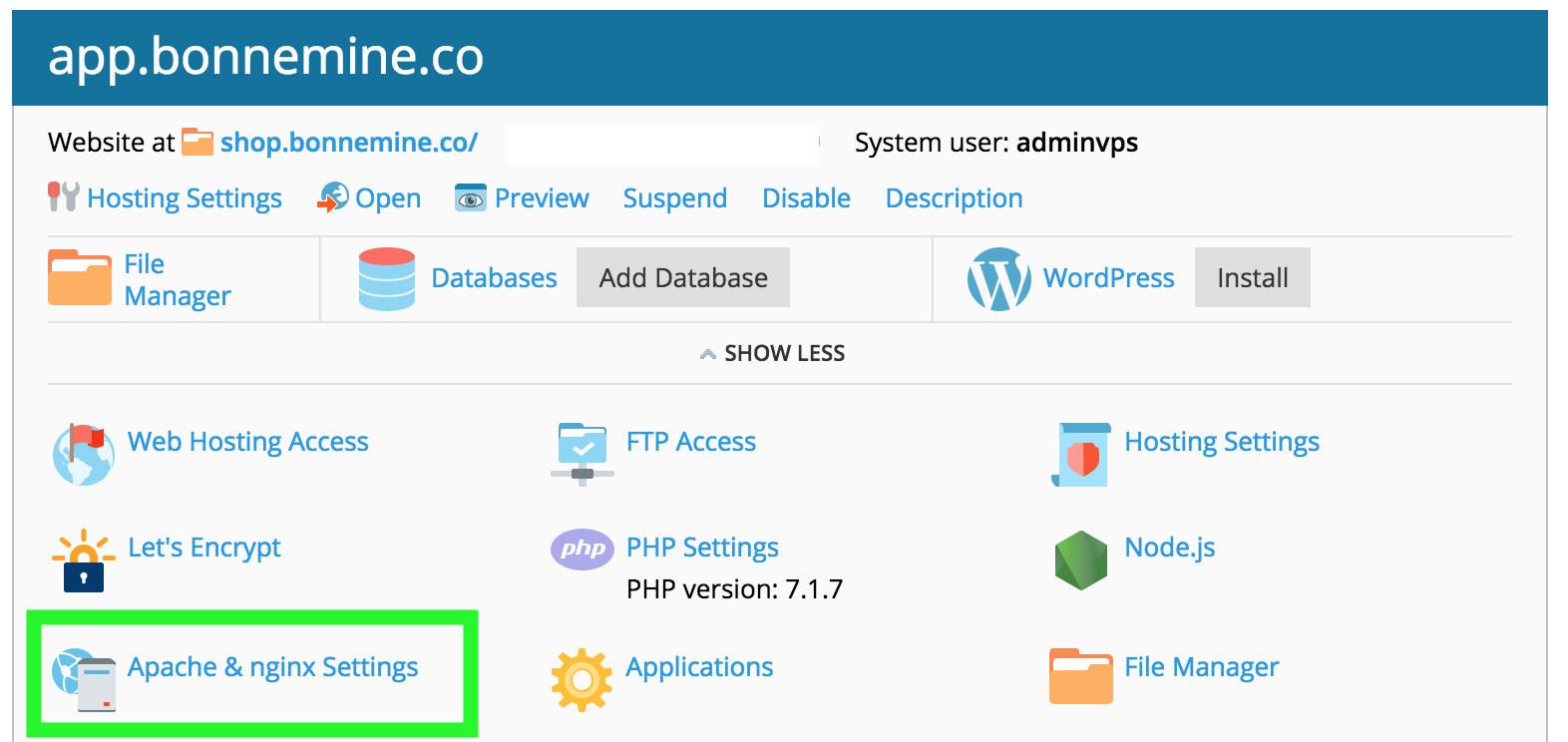
If you’re using Plesk, this configuration is found under Apache & Nginx settings of your website:
Which leads to this pretty handy text editor:
Validation & troubleshooting
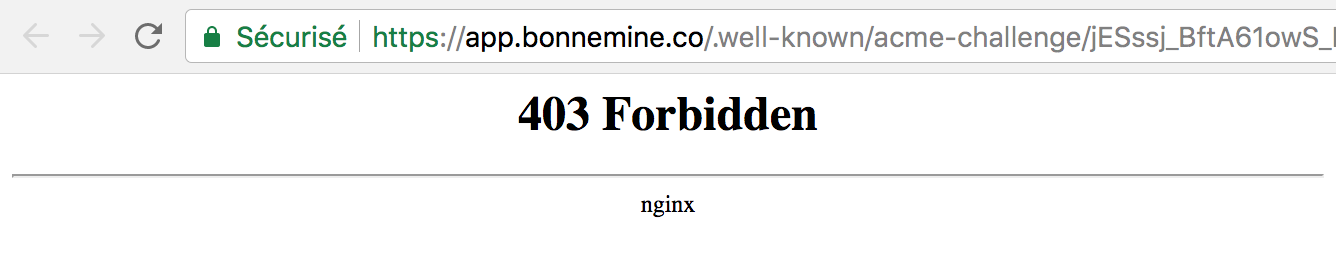
Before, a 403 error:
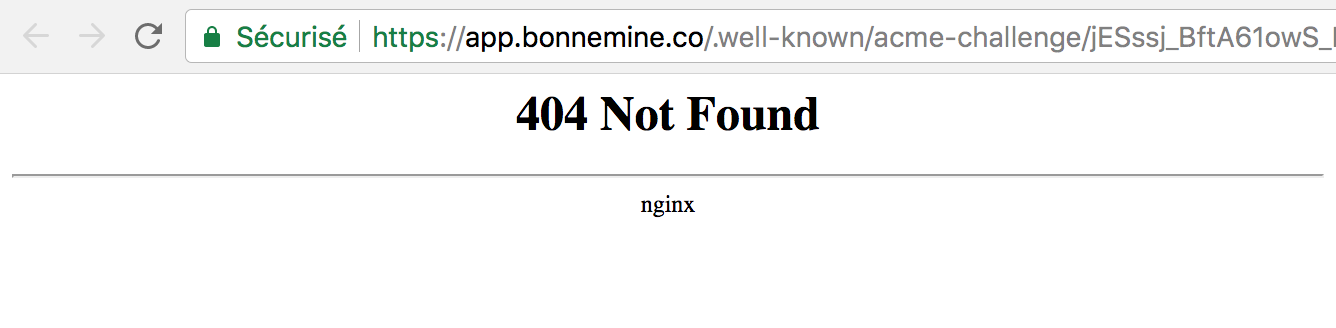
After, a 404 (which is OK in our case):
Going further
- Nginx configuration: Let’s encrypt, WordPress, Prestashop: the full nginx setup