
Deploy instantly and for free an instance of NodeRed v2 for daily use and various automations!
Using a one-click Heroku deployment of a template repository, then extending it with extra palette nodes and JavaScript libraries.
Walkthrough
Deploy on Heroku in 1 click
Use the following button to 1-click deploy an instance on heroku:

Which will open the following screen:
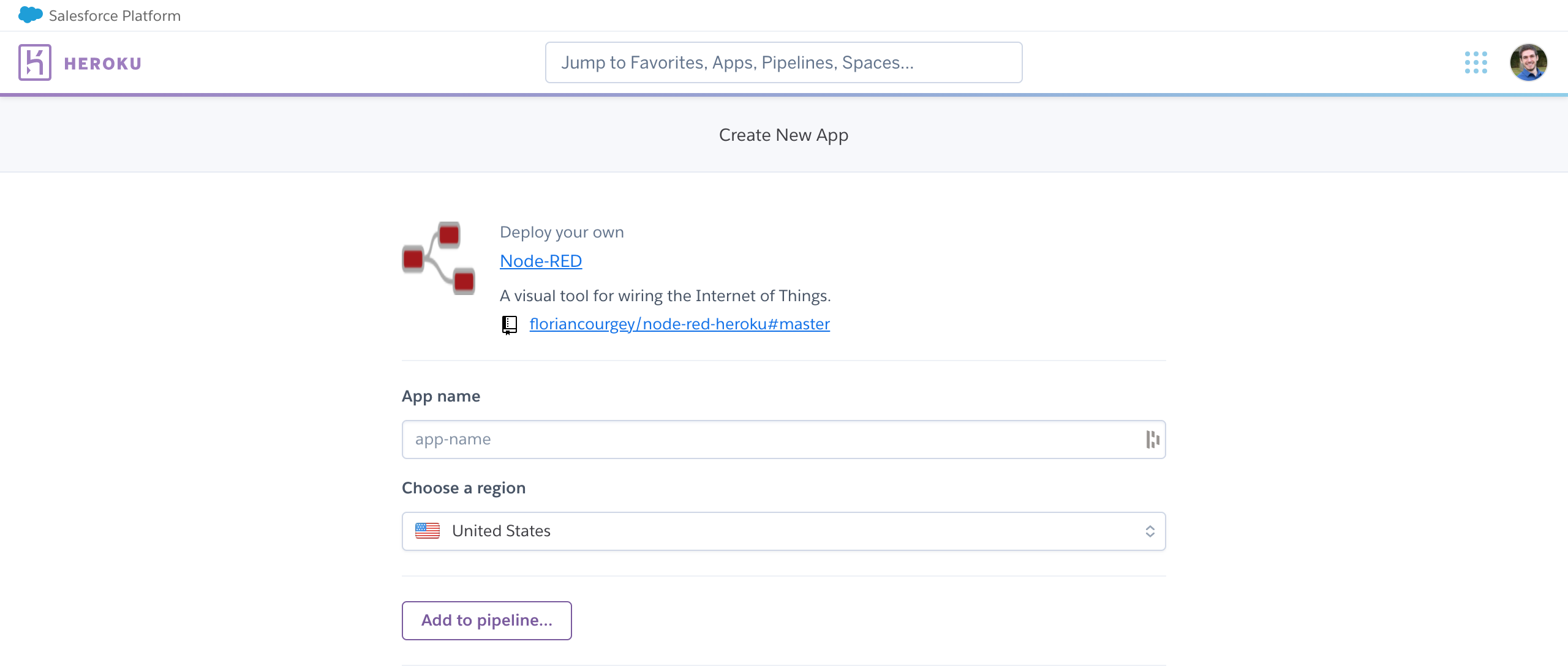
Choose an App Name, use a strong password for the NODE_RED_PASSWORD value and hit Deploy App.
Add new Nodes to the Palette
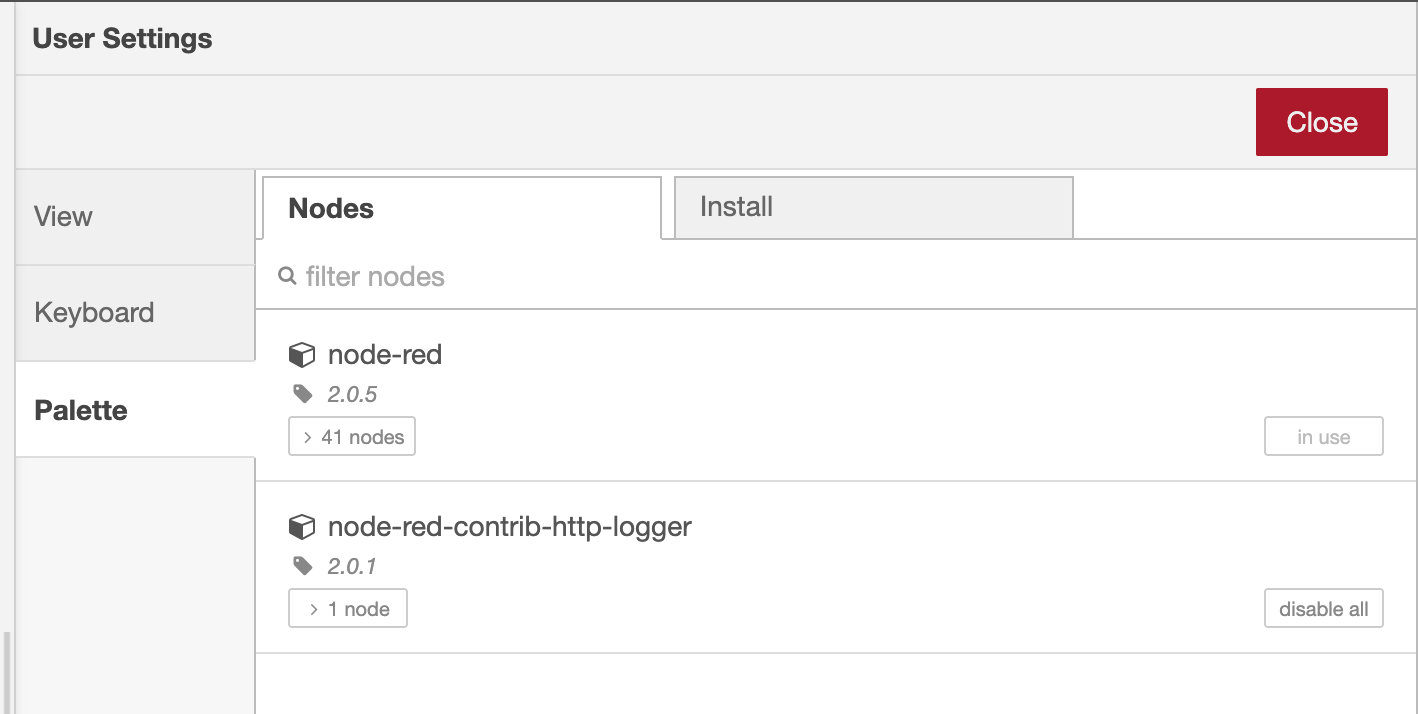
Node-Red modules may be added via the Menu>Manage Palette link from the Node Library:
Add Javascript libraries for the Function node
Example for the lodash library (npm link).
- Fork the root project Fork myrosblog/node-red-heroku
- Edit
package.jsonby addinglodashtodependencies:
"dependencies": {
    [...],
    "lodash": "~4.x"
}- Deploy to heroku
- Once in Node-Red editor, open the function node>
Setup>Modules -
Module Name=lodashandImport as=_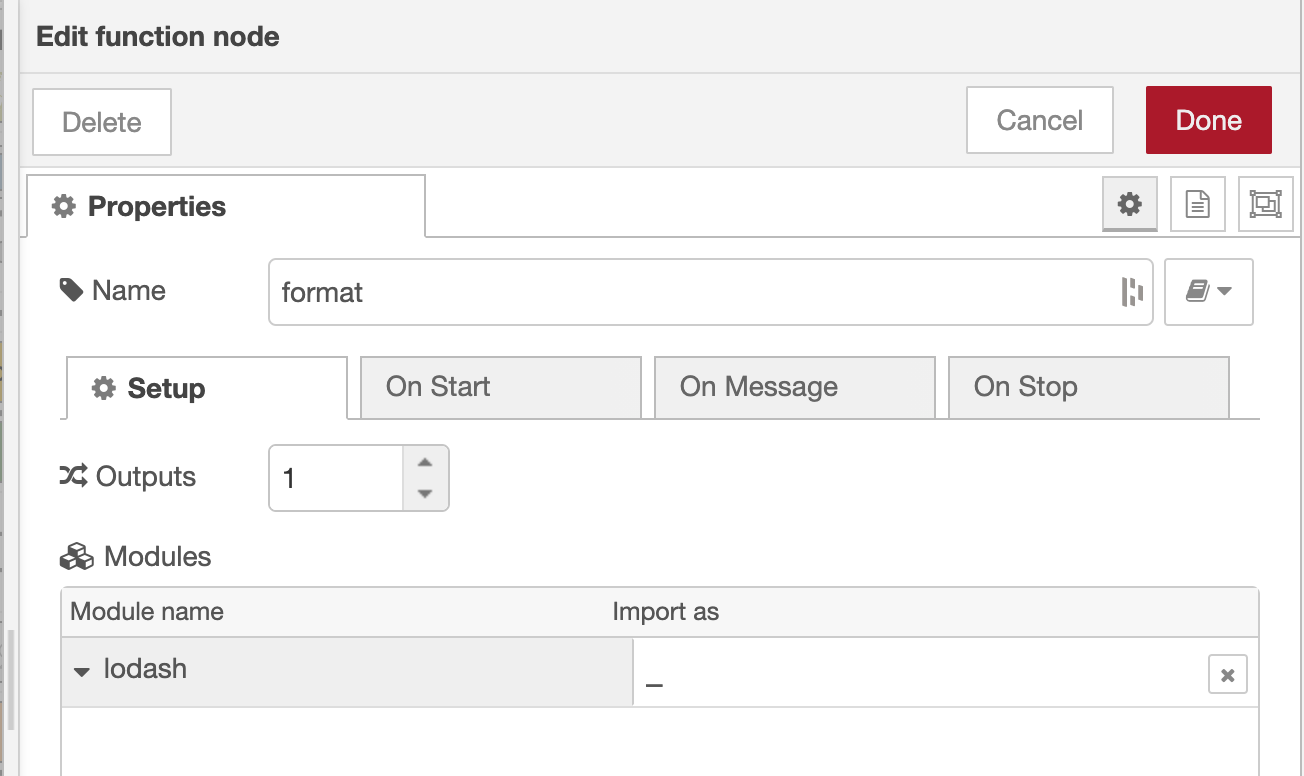
- Use it in
On Message:
msg.payload = _.lowerCase(msg.payload);Voilà !
Validation & troubleshooting
You can now freely access https://your-app-name.herokuapp.com/red:
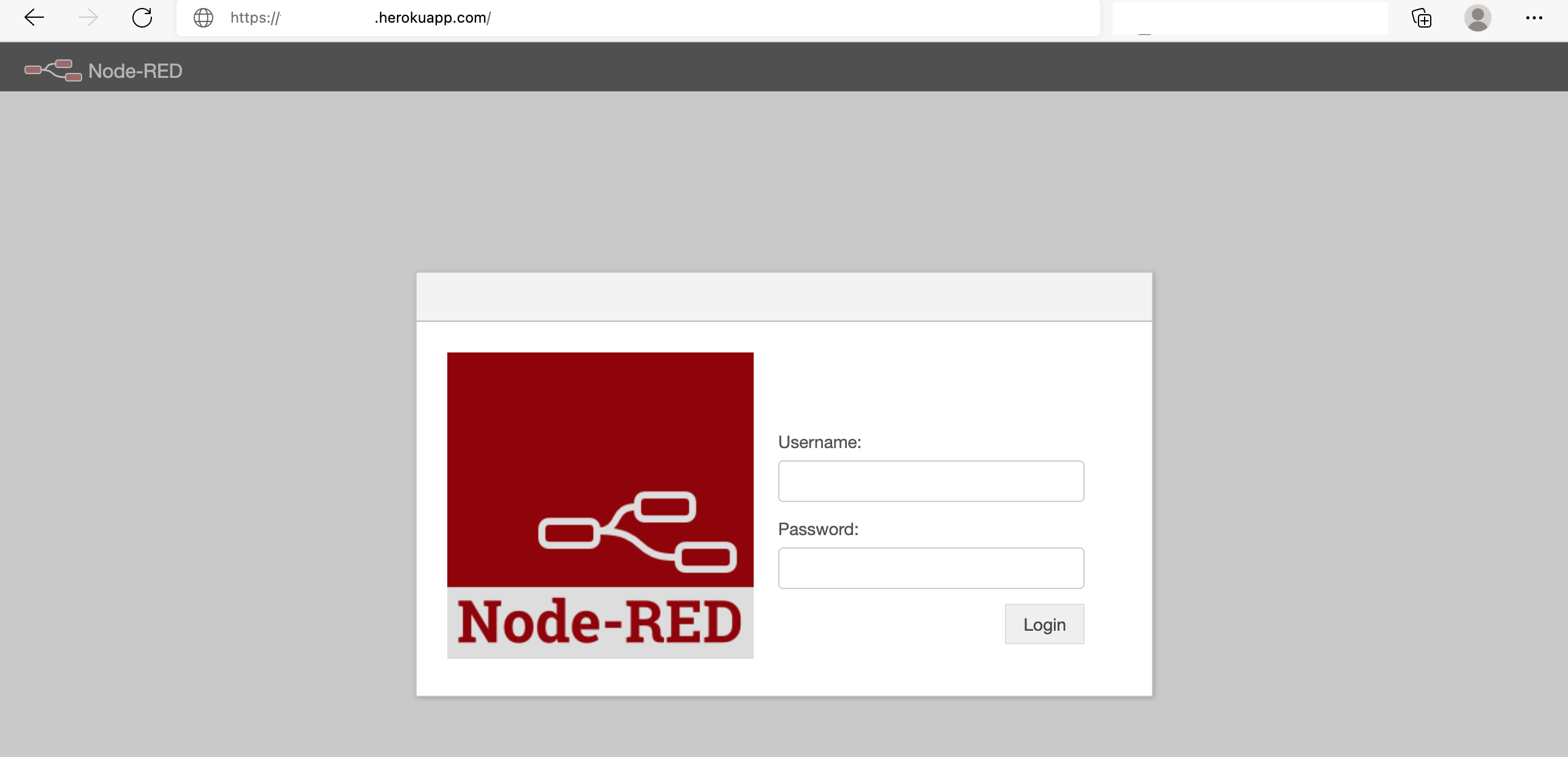
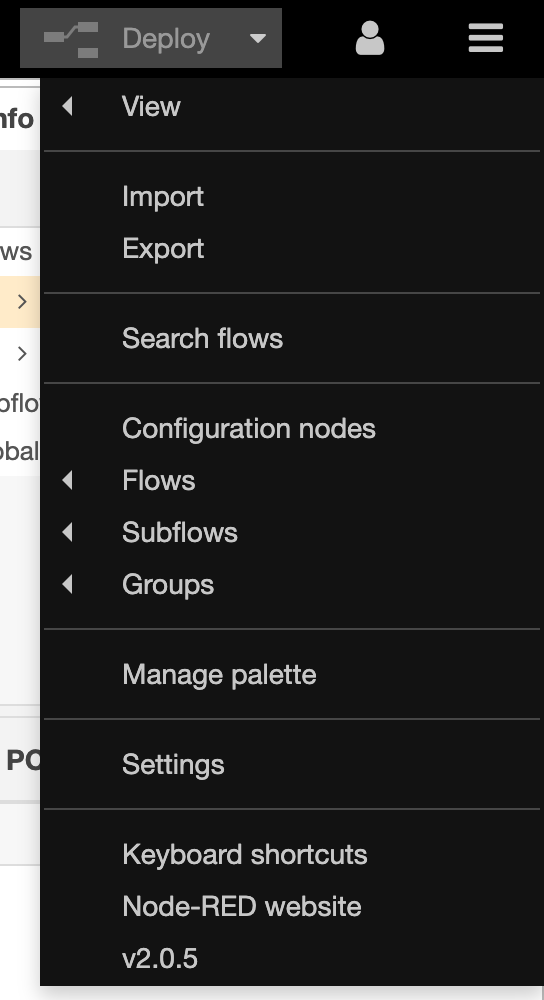
When logged in, hit the Menu button to check the 2.0.5 version:
Going further
- Use Node-RED for automation: build a first flow that posts the weather to Slack