
Create your own SQL functions to be used as XTK expressions in Adobe Campaign Query Editor! For example, replacing text in a string directly in a Query without complex JavaScript.
Adobe Campaign allows creating custom SQL functions that will be available in the functions list, via the Expression Editor.
Preparation
Before creating custom SQL functions, ensure you have access to an Adobe Campaign instance with administrator privileges to import packages. You’ll also need a text editor to create the XML package definition.
Walkthrough
Create the XML package definition
With that in mind, let’s create an SQL String Replace function in Adobe Campaign:
<?xml version="1.0" encoding="ISO-8859-1"?>
<!-- namespace, name and label are for information only -->
<package
namespace = "nms"
name = "fco-funclist"
label = "FCO SQL Additional functions"
buildVersion= "6.7"
buildNumber = "8937">
<entities schema="xtk:funcList">
<!-- The pair "namespace:name" is the id of the functions List. To update, use the same pair -->
<funcList name="StringReplace" namespace="fco">
<!-- The groupe "name" defined the group the function belongs to -->
<group name="string" label="String">
<!-- The "name" value is the function id and label. To update, use the same name -->
<function name="StringReplace" type="string" args="(<LookIn>, <From>, <To>)"
minArgs="3" maxArgs="3"
help="Replace all occurrences of 'replaceThis' by 'byThis' in 'text'. StringReplace(text, replaceThis, byThis)"
display="Replace all occurrences of 'replaceThis' by 'byThis' in 'text'. StringReplace(text, replaceThis, byThis)">
<providerPart provider="PostgreSQL,MSSQL" body="replace($1,$2,$3)"/>
</function>
</group>
</funcList>
</entities>
</package>
<group> must have as attributes one of:
name="aggregate" label="Aggregates"name="string" label="String"name="date" label="Date"name="numeric" label="Numeric"name="geomarketing" label="Geomarketing"name="other" label="Others"name="window" label="Windowing functions"
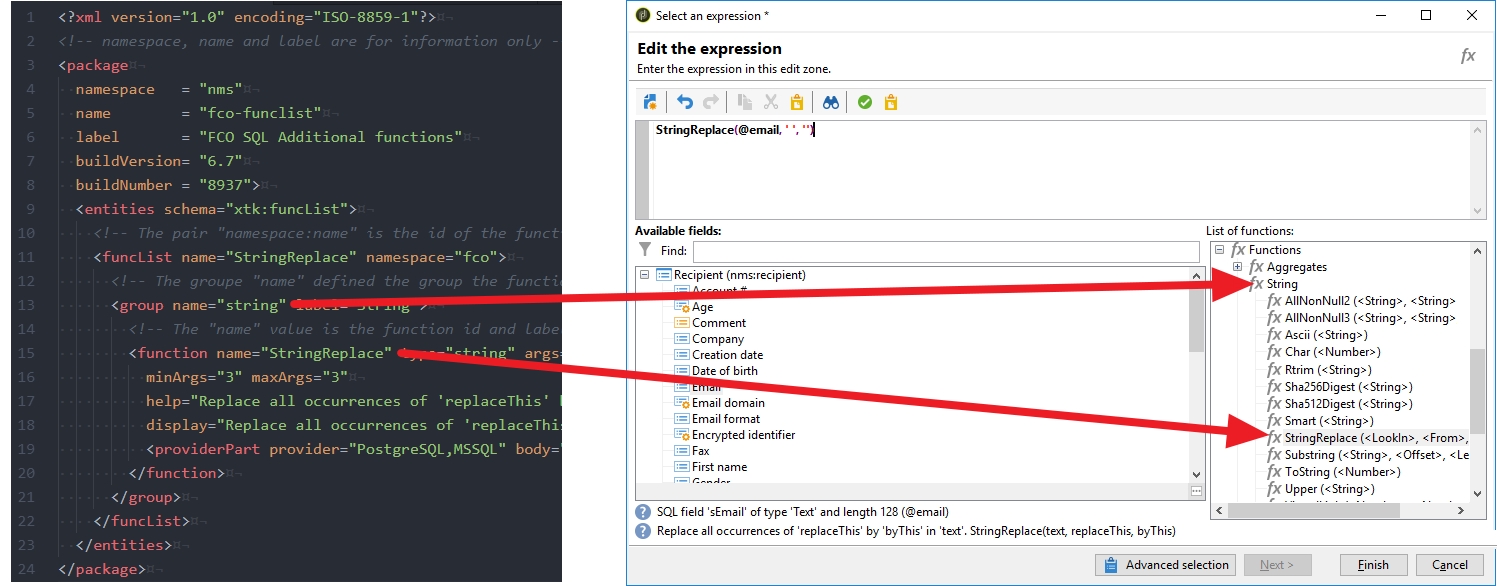
XML package installation
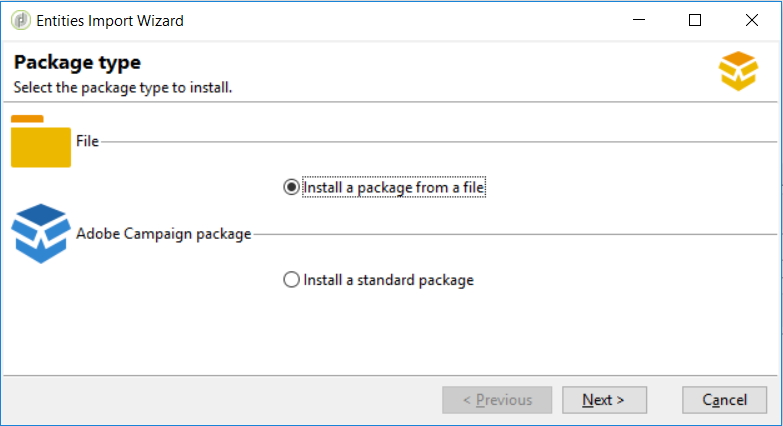
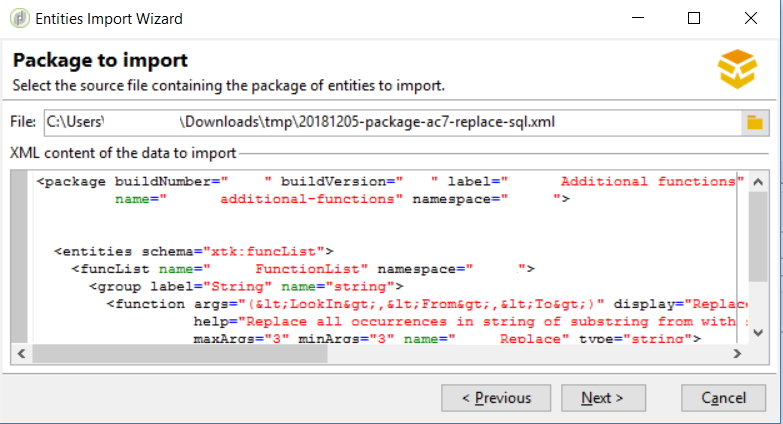
Import it as a regular package from Tools > Advanced > Import package:
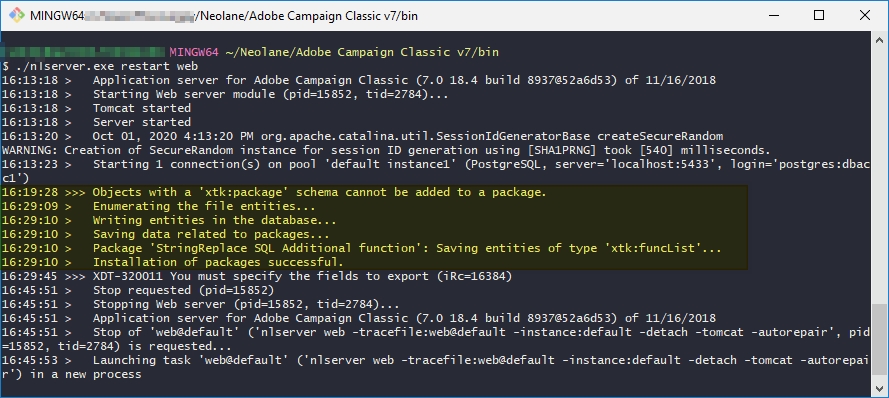
16:19:28 >>> Objects with a 'xtk:package' schema cannot be added to a package.
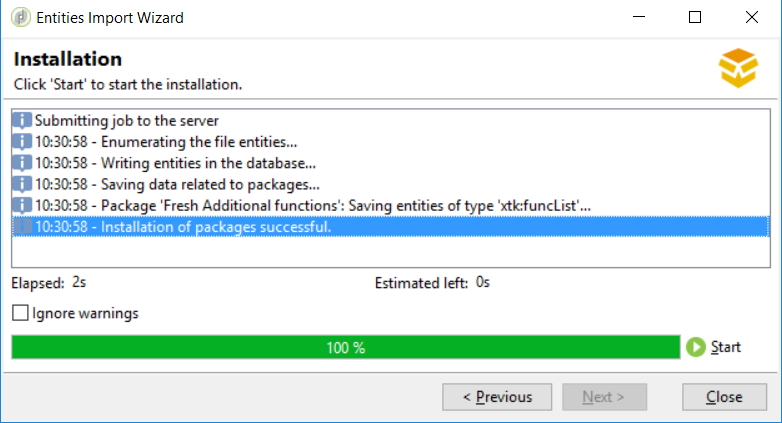
16:29:09 >   Enumerating the file entities...
16:29:10 >   Writing entities in the database...
16:29:10 >   Saving data related to packages...
16:29:10 >   Package 'StringReplace SQL Additional function': Saving entities of type 'xtk:funcList'...
16:29:10 >   Installation of packages successful.
Check installed SQL functions
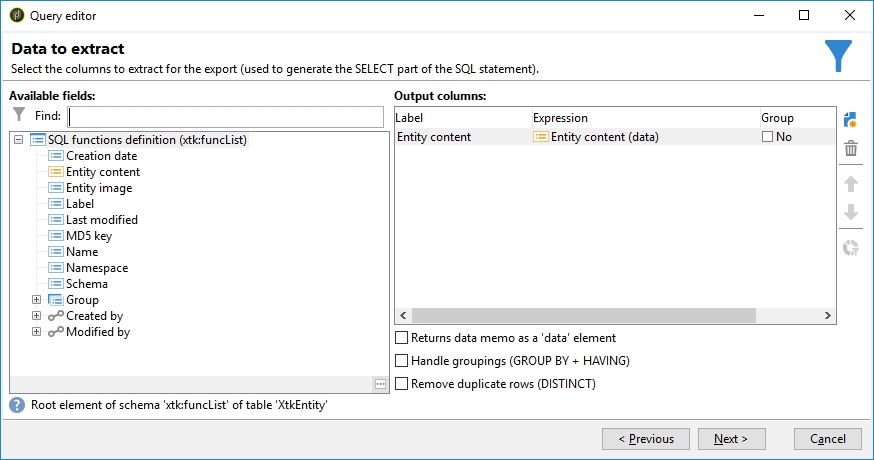
To debug installed SQL functions, open the Generic Query Editor on xtk:funcList and select data as Data to Extract:
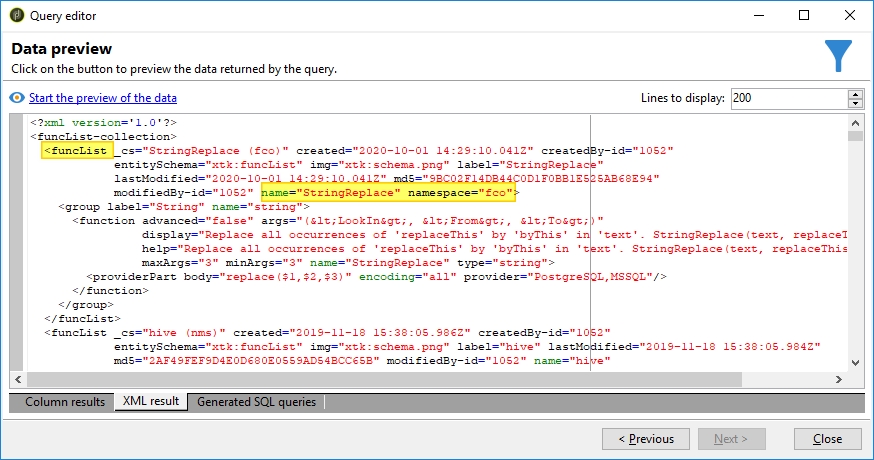
Hit Next until Data Preview > button Start the preview of the data > tab XML result
Source: